Internet Explorer mode in Microsoft Edge
To turn on Internet Explorer mode, use the following steps.
-
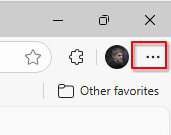
Click the three dots in the upper right corner of the browser window.

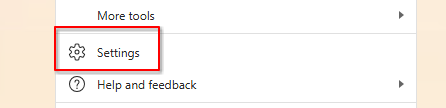
- Open the Settings option

-
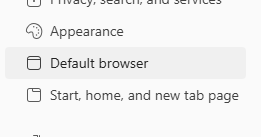
From the left sidebar, open the Default browser settings

-
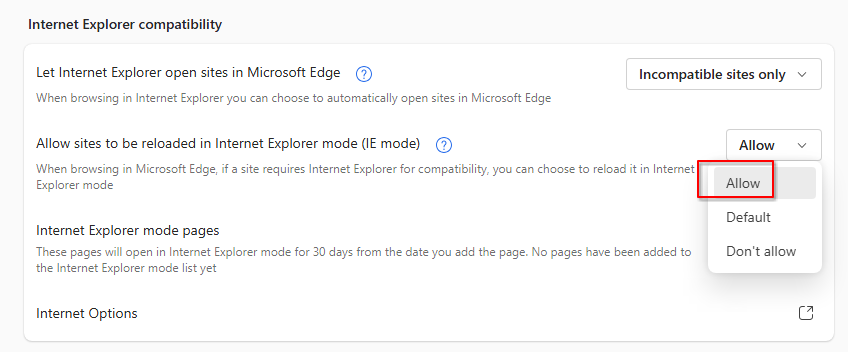
If not already configured, set Allow sides to be reloaded in IT mode to Allow

-
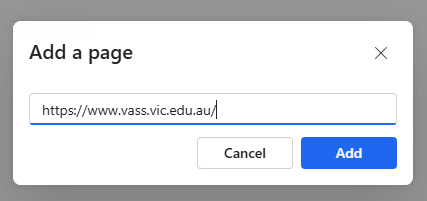
Click on the Add a page button and enter the URL of the website you need loaded in IE.

-
Visit the website and it should load in Internet Explorer Mode.