# Scanning To OneDrive
To use this option, you will need to perform a once-off authorization with Papercut. This authorization will come in the form of an email to your DET email address:
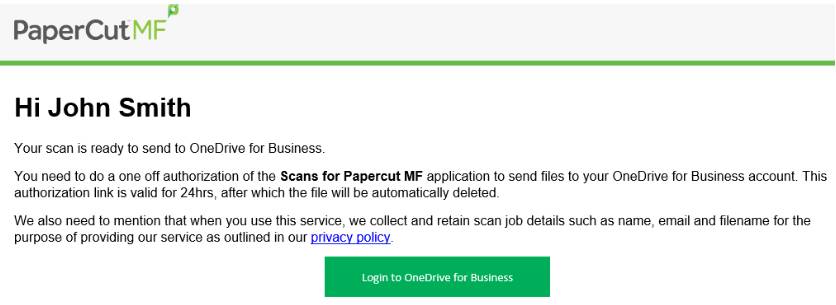
To authorize Papercut, click the big green button and sign in using your WRC credentials (**Important**).
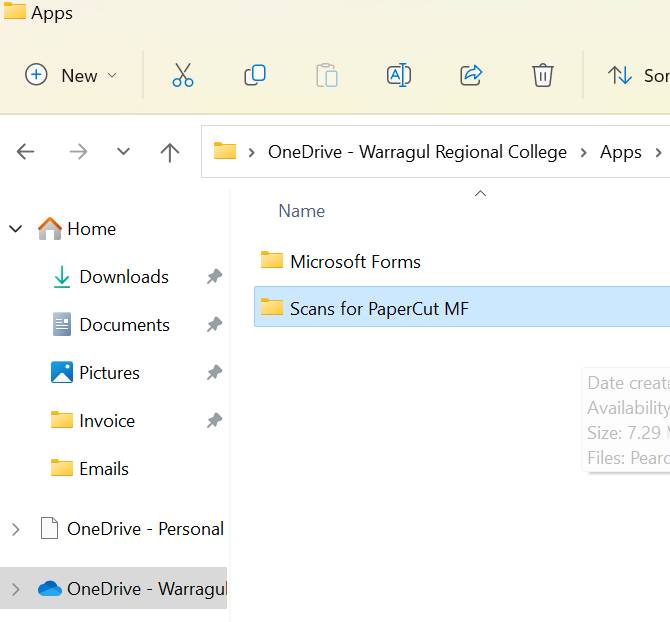
The scan should now appear in your OneDrive folder. under C:\\Users\\username\\OneDrive - Warragul Regional College\\Apps\\Scans for PaperCut MF