
Update password for printer & drive access in Credential Manager
Windows
1. Open the Start menu.
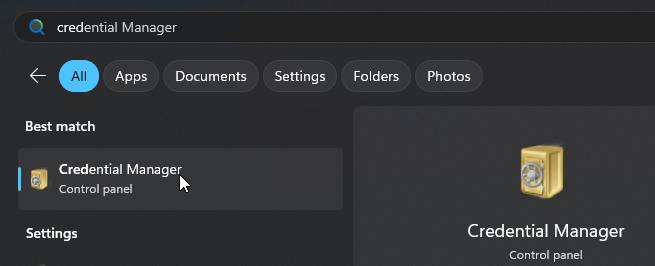
2. Search for Credential Manager.
3. Click Windows Credentials.
4. Find and expand the entry for 10.132.200.95 or 8827SPRINT01, click Edit.
5. Update the password field with your new @education password and click Save.