
Update password for printer & drive access in Credential Manager
If you have recently updated your password, to access your network drive, you may need to update the saved passwords in your Credential Manager.
Windows
1. Open the Start menu.
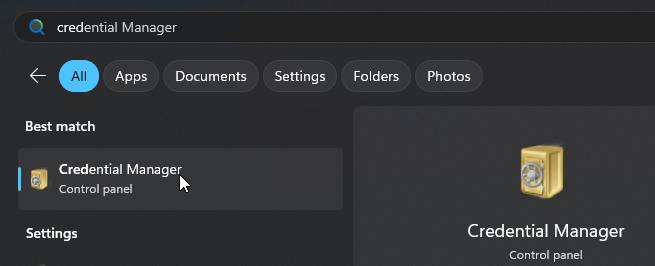
2. Search for Credential Manager.
3. Click Windows Credentials.
4. Find and expand the entry for 10.132.200.95 or 8827SPRINT01, and any other 10.132 or 8827 entry, and click Edit.Edit.
5. Update the password field with your new @education password and click Save.